 LassoCrypto
How to Send Crypto From Robinhood to a Wallet

To send crypto from Robinhood to your own wallet, open the coin's detail page in the app, select Send, paste your wallet's address, enter the amount, then select Review, then Submit. The first time, Robinhood asks you to verify it's you, and says the review can take up to 5 business days. Robinhood charges $0 for the transfer, so you pay only the network fee. It publishes no fixed dollar limit: your limit is set per account, can change daily, and shows inside the app.
Before you start
- A wallet you control, such as Phantom (Solana) or MetaMask (Ethereum), or a hardware wallet
- Crypto transfers turned on in your Robinhood account
- Coins bought with money that has fully cleared, not instant funds from a pending bank transfer
- Turn on transfersVerify it's you
- Check your limitAccount, Menu, Crypto
- Copy addressFrom your wallet's Receive
- Send, Review, SubmitThen check it arrived
Step 1: Turn on crypto transfers
Robinhood's transfers article says: "To enable crypto transfers, first you'll need to verify it's you." It adds that "it may take up to 5 business days to review your info and enable crypto transfers." So if you plan to move coins on a certain day, start this step about a week earlier.
Transfers are available in every US state, Robinhood says. One exception when we checked on November 17, 2026: ETH, USDG and CASHCAT on Robinhood Chain and Arbitrum can't be transferred in New York.
Step 2: Find your transfer limit
Robinhood doesn't publish one withdrawal limit for everyone. Its article says limits "are determined by a variety of factors," that they "may vary depending on your recent account activity and are subject to change daily," and that they currently "can't be manually increased." It also says you may qualify for increases.
To see yours, go to Account (the person icon), then Menu (the three bars), then Crypto. If the amount you want to move is above the limit, plan to send it over several days.
Step 3: Send the coins
- Copy your wallet's addressIn your wallet, tap Receive, pick the coin and network, and copy the address.
- Open the coin in RobinhoodGo to the crypto's detail page and select Send.
- Paste the addressPaste it, don't type it. Add a memo or tag if the receiving side requires one. Robinhood warns that "a single wrong character can result in lost funds."
- Enter the amountThe network fee is added on top. If you choose Send All, Robinhood takes the estimated network fee out of the amount you send.
- Review and submitCheck the address and network one more time, then select Review, then Submit.
Robinhood reviews each transfer, "which typically takes just a few minutes but on rare occasions it could take longer." After that the coins move at the speed of their network.
Robinhood says: "Crypto transfers are final. Once sent, they can't be canceled or reversed, even by Robinhood."
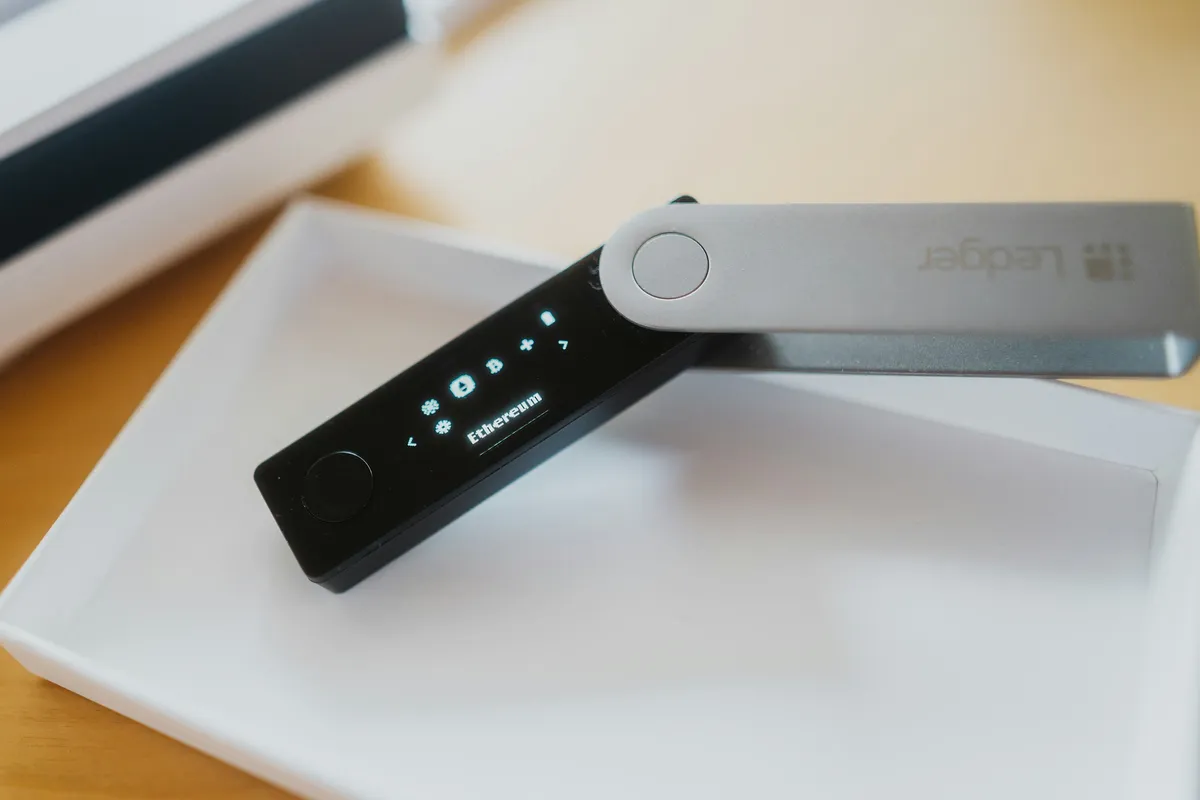
Which network will Robinhood use?
Robinhood's rule is short: "Each asset can only be sent on its own blockchain." A few coins have more detail in the transfers article:
| Coin | What Robinhood says it supports |
|---|---|
| BTC | Bitcoin addresses that start with 1, 3 or bc1q. Addresses that start with bc1p (Taproot) and Lightning aren't supported |
| ETH | Ethereum addresses, including smart contract addresses |
| USDC | Arbitrum, Base, Ethereum, Optimism, Polygon, Solana and native USDC addresses |
| SOL | Solana addresses that are 44 characters long and start with a letter |
If your wallet shows a different network from the one Robinhood sends on, stop. Robinhood warns that "sending to an incompatible network can cause permanent loss." Our guide on crypto sent to the wrong network explains what can and can't be recovered, and this one covers a missing memo or tag.
Why can't I send all my crypto?
Robinhood's article lists these reasons:
- You bought with instant funds from a bank transfer that hasn't fully cleared yet.
- A reward bonus is still inside its hold period.
- You've reached your daily transfer limit.
- Funding methods used and other factors.
The article gives no number of days for a bank transfer to clear, so check the transfer's status in your account history before you plan a send.
Fees and the address allowlist
Robinhood's fee schedule lists crypto transfers at $0 and says: "Though Robinhood Crypto doesn't charge fees for transfers, every crypto transfer does require a network fee." The fee varies with network activity, and Robinhood estimates it when you set up the send.
You can also lock withdrawals to saved addresses. Go to Account, Menu, Crypto, then Advanced security, and turn on "Allow withdrawals only to allowlisted addresses." Robinhood says this adds a 48-hour wait before a new address or a settings change takes effect, and withdrawals to new addresses are paused during that wait. Addresses you had already allowlisted keep working. Turn it on well before you need to send, not on the day.
How the hold on bank-funded coins compares, from each company's help pages:
| Coins bought by bank transfer | |
|---|---|
| Robinhood | Can't leave until instant funds fully clear (no number of days given) |
| Kraken | 7 days for purchases by ACH through Plaid |
| Binance.US | 7 days after you start an ACH deposit |
Robinhood isn't one of the six US exchanges we track every day. Those are on our exchanges page.
Robinhood app or Robinhood Wallet?
They're two separate things. In the Robinhood app, Robinhood holds the coins for you: "If you're using Robinhood, you're using a custodial wallet," and it doesn't give customers private keys. Robinhood Wallet is a separate self-custody app run by a different company, Robinhood Non-Custodial, Ltd. Its FAQ says: "With Robinhood Wallet, you have full control and responsibility for your crypto." Robinhood's transfers article calls Robinhood Wallet an external self-custody wallet, so moving coins there from the Robinhood app is a crypto transfer too.
Is moving coins to my own wallet taxed?
The IRS says no. Its digital asset FAQ answers that a transfer between wallets or accounts that both belong to you "is a non-taxable event," except for any coins used to pay for the transfer. Robinhood's tax help adds that when you withdraw crypto, tax lots are closed first in, first out, after any lots with an unknown or zero cost basis. It also notes that cost basis information "isn't sent when transferring crypto," so keep your own purchase records. Our crypto tax records guide shows what to save.
Common mistakes
- Waiting until the day you need the coins to turn on transfers. The review can take up to 5 business days.
- Assuming the limit is the same as a friend's. It's set per account and can change daily.
- Turning on the allowlist right before a send. New addresses can't be used for 48 hours.
- Typing an address by hand. Paste it and compare the first and last four characters.
What to do next
Look up the coin you moved, such as Bitcoin or Solana, to see which US exchanges list it today. The same move from an exchange: Coinbase, Kraken, Gemini.
Sources
Facts checked November 17, 2026 against these pages. Official means the exchange, wallet, network or government agency itself. How we write guides.
- Official Robinhood Support: Crypto transfers
- Official Robinhood Crypto: Fee Schedule
- Official Robinhood Support: Robinhood Wallet FAQs
- Official Robinhood Support: Crypto tax FAQ
- Official IRS: Frequently asked questions on digital asset transactions (reviewed June 29, 2026)
- Official Kraken Support: Why is there a withdrawal hold on my account? (updated November 12, 2026)
- Official Binance.US Support: Why is a portion of my balance unable to be withdrawn? (June 3, 2026)
Related guides
 How to Send Crypto From Gemini to a WalletWithdraw crypto from Gemini to your own wallet: add the address, check the network Gemini uses for your coin, and know the ACH and 24-hour debit card holds.
 How to Send Crypto From Coinbase to a WalletMove crypto from Coinbase to Phantom, MetaMask or Coinbase Wallet without losing it: copy the right address, pick the matching network and send a test first.
 How to Send Crypto From Crypto.com to a WalletWithdraw crypto from the Crypto.com App or Exchange to your own wallet: whitelist the address and network first, plan for the optional 24-hour lock, then confirm.
 How to Send Crypto From Binance.US to a WalletWithdraw crypto from Binance.US to your own wallet: the app and website steps, the confirmation email, the memo rule, and the 7-day hold after an ACH deposit.