 Lasso
Lasso
How to Send Crypto From Coinbase to a Wallet
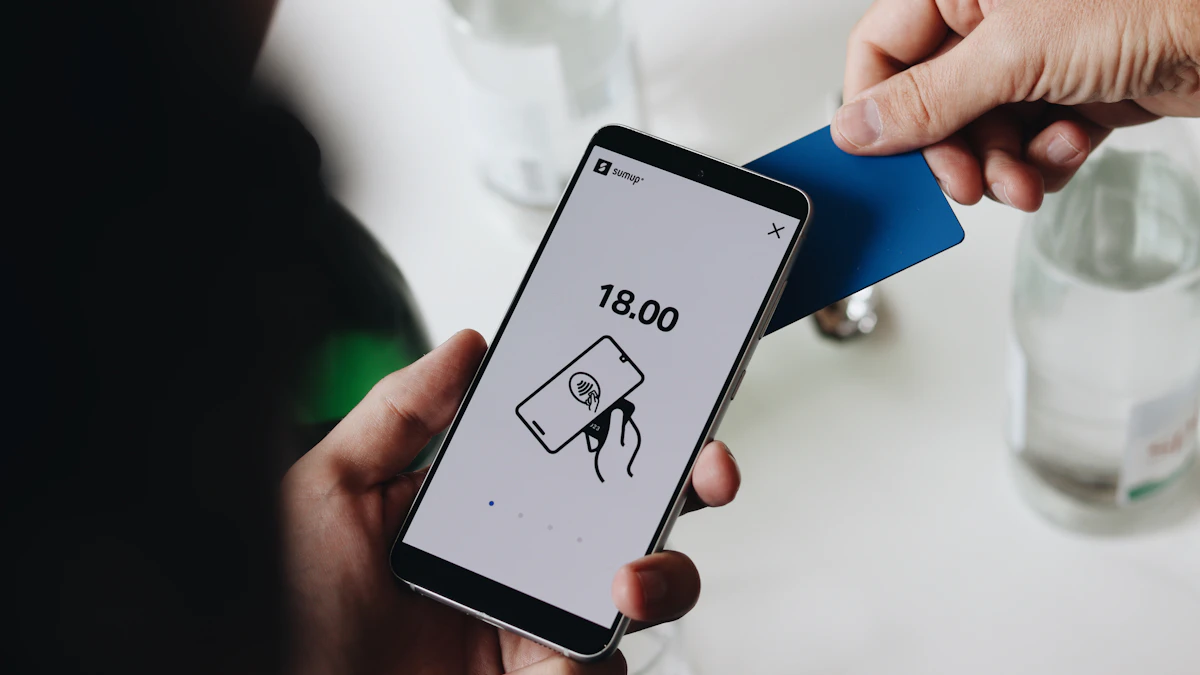
To send crypto from Coinbase to your own wallet, copy the receive address from your wallet, then in Coinbase start a send, paste the address, pick the network your wallet uses, and confirm. The network is the step that costs people money. The coin, the address and the network all have to match, or the funds can be lost. Send a small test amount first and you'll catch almost every mistake for the price of one fee.
Before you start
- A wallet you control, such as Phantom (Solana) or MetaMask (Ethereum, Base, Arbitrum)
- The coin already in your Coinbase account
- A Coinbase account in good standing (Coinbase says sends can be temporarily capped in some cases)
- Copy addressFrom your wallet's Receive
- Pick networkSame as the wallet
- Send a testA few dollars
- Send the restAfter it arrives
Step 1: Copy your wallet's receive address
Open your wallet and tap Receive. Pick the network first, then copy the address. In Phantom, Solana addresses are a mix of letters and numbers (usually 32 to 44 characters). Ethereum, Base and Arbitrum addresses all start with 0x and look the same, which is exactly why the network choice in Step 2 matters.
Always copy and paste. Never type an address by hand, and check the first and last four characters after you paste.
Step 2: Send from Coinbase on the matching network
- Start a sendMenu names change between app versions, so check the app. Coinbase's help center currently describes it this way: in the mobile app, open the Pay tab, select the coin, enter an amount and select Pay. On Coinbase.com, choose Send crypto from your Dashboard, then select the coin and amount.
- Paste the addressPaste the address you copied from your wallet as the recipient.
- Choose the networkFor SOL going to Phantom, choose Solana. For ETH going to MetaMask on Base, choose Base. Coinbase warns that you must select the correct network or your funds will be lost, and to confirm that the recipient's wallet supports that network.
- Use a small amount and confirmReview the details, including any network fee, then confirm (Pay now in the app, or Preview Send and then Send now on the website). Complete 2-step verification if Coinbase asks for it.
Step 3: Check it arrived, then send the rest
On-chain sends can take some time to process, depending on the network. When the test amount appears in your wallet, repeat the steps for the full amount.
If it doesn't arrive, check the transaction in your Coinbase history. On-chain transactions have a transaction ID (hash) you can look up on a block explorer such as Solscan or Basescan. If it is still missing, contact Coinbase support.
Which network should I pick?
| Your wallet | Sending SOL | Sending ETH or USDC |
|---|---|---|
| Phantom (Solana account) | Solana | USDC: Solana |
| MetaMask | Solana, only to a Solana account in MetaMask | Ethereum, Base or Arbitrum, whichever the wallet is set to |
| Coinbase Wallet | Solana (not available in passkey smart wallets) | Ethereum or Base |
If you're unsure, send USDC or ETH on the network your wallet app shows at the top of the screen.
Common mistakes
- Sending ETH on Ethereum to a wallet you only watch on Base. With a standard wallet account like MetaMask's, the address is usually the same on both networks, so the coins are often there, and you switch the wallet to Ethereum to see them. Smart contract wallets can work differently, so check with your wallet's support.
- Sending to an exchange deposit address on the wrong network. That one is much harder to fix. See sent crypto to the wrong network.
- Copying an address from an old chat or email. Clipboard malware can also swap addresses, which is why you check the first and last characters.
Coinbase says on-chain sends are irreversible, and it can't retrieve funds sent to the wrong address or on the wrong network.
What to do next
With funds in your wallet you can swap on a DEX. Look up any coin on Lasso to see the buying route for its network, or read how to buy crypto not listed on Coinbase.
Sources
Facts checked October 14, 2026 against these pages. Official means the exchange, wallet, network or government agency itself. How we write guides.