 Lasso
Lasso
How to Buy Crypto on Kraken (Step by Step)
To buy crypto on Kraken, create an account, verify your identity, add money from your bank, then search for the coin and buy it. Signing up takes minutes. Verification time varies, and Kraken's help center has noted delays for new accounts. Kraken lists 696 coins for US customers as of October 14, 2026, more than any other exchange we track, which makes it the first place to look when a coin isn't on Coinbase. Kraken doesn't serve residents of New York or Maine, and its help center says US bank funding (ACH and wire) isn't available in Texas, with other limits in a few states. Check Kraken's "Where can I use Kraken" page before you start.
What you need
- A government ID. For US bank funding, Kraken accepts a US passport or driver's license
- Your Social Security number or Tax ID, which Kraken requires from US customers
- A US bank account and US phone number for bank deposits
- Sign upEmail + password
- VerifyID and selfie
- DepositFrom your bank
- BuySearch the coin
Step-by-step
- Create your accountGo to kraken.com or install the Kraken app from the official store. Sign up with your email and set a strong, unique password.
- Turn on two-factor authenticationKraken supports passkeys (including hardware security keys) and authenticator apps, and recommends a passkey where you can use one. This protects you if your password ever leaks.
- Verify your identityEnter your name, address, date of birth, phone number and SSN, then upload your ID and a face photo when asked. Kraken may also ask for proof of address. You can't deposit dollars until your account is verified.
- Deposit dollarsOpen the deposit screen, choose USD and pick a method. Kraken's US bank options are ACH (through Plaid) and wire. The deposit screen shows the methods and fees available to you.
- Buy the coinSearch the coin, choose to buy, enter a dollar amount and review the total, including fees, before you confirm. Kraken's fee schedule lists a 1% fee on instant buys in the app, plus a spread.
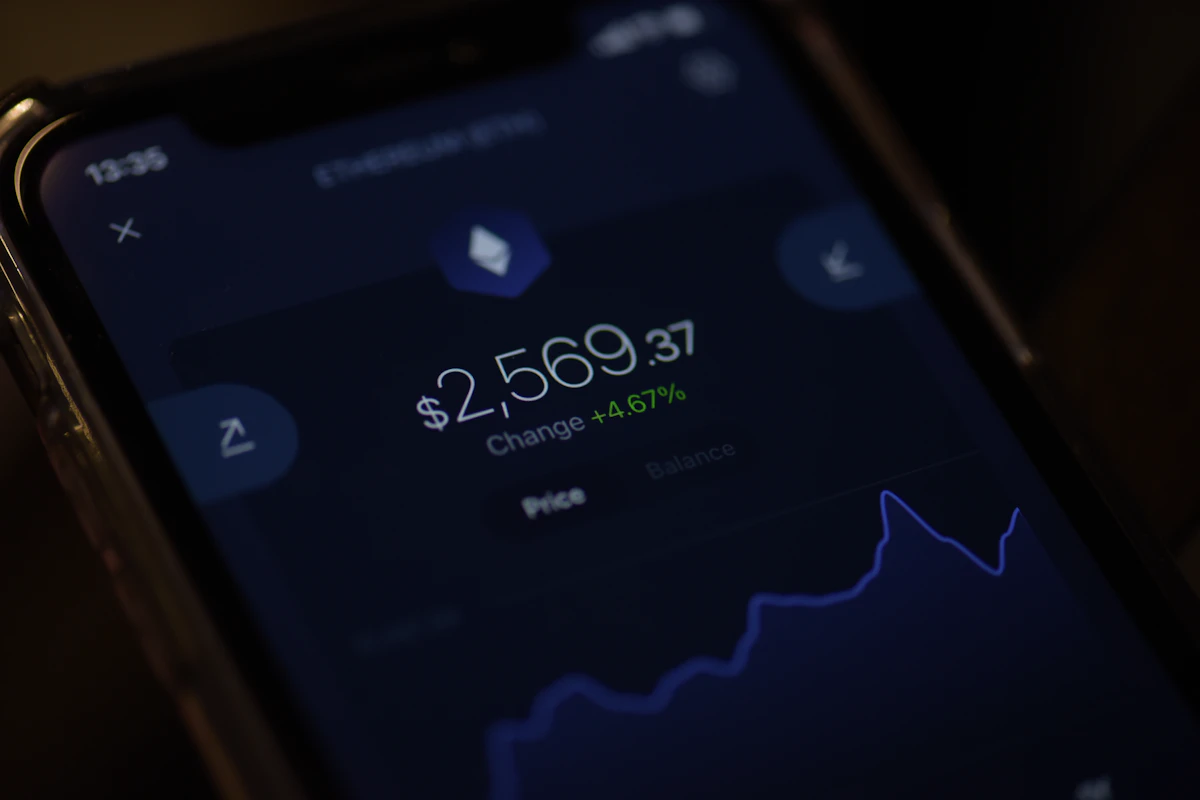
Kraken also offers Kraken Pro, an advanced trading screen with an order book. Its fees start at 0.40% for maker orders and 0.80% for taker orders at the lowest volume tier, lower than the 1% instant-buy fee, but it takes a little learning.
After you buy
- You can leave coins on Kraken, or move them to your own wallet. See how to send crypto to a wallet; the network rules are the same on Kraken.
- Kraken may put a withdrawal hold on recent deposits, and it can cover crypto bought with them. For example, purchases funded by ACH through Plaid carry a seven-day withdrawal hold. Trading isn't affected.
- Export your trade history once a year for taxes. See how to keep crypto tax records.
Risks to know
- Coins held on an exchange depend on that exchange. Large amounts are safer in a wallet you control, with a well-stored recovery phrase.
- Smaller coins can be thinly traded even on Kraken. Check the 24-hour volume first.
- Scammers pose as Kraken support. Kraken says its support staff will never ask for your password or a 2FA code, and that phone numbers you find online claiming to be Kraken Support should be treated as possible phishing.
The IRS treats crypto as property, so selling or swapping is generally a taxable event. Keep records.
See what Kraken lists
Browse every coin on Kraken, or compare it with the other US exchanges in which crypto exchange has the most coins.
Sources
Facts checked October 14, 2026 against these pages. Official means the exchange, wallet, network or government agency itself. How we write guides.
- Official Kraken Support: Where is Kraken licensed or regulated?
- Official Kraken Support: Requirements to access United States (US) domestic funding
- Official Kraken Support: Verification requirements
- Official Kraken Support: Withdrawal holds on Kraken.com
- Official Kraken: Fee schedule
- Official Kraken Support: How to secure your account with two-factor authentication (2FA)
- Official Kraken Support: How to contact Kraken phone support